
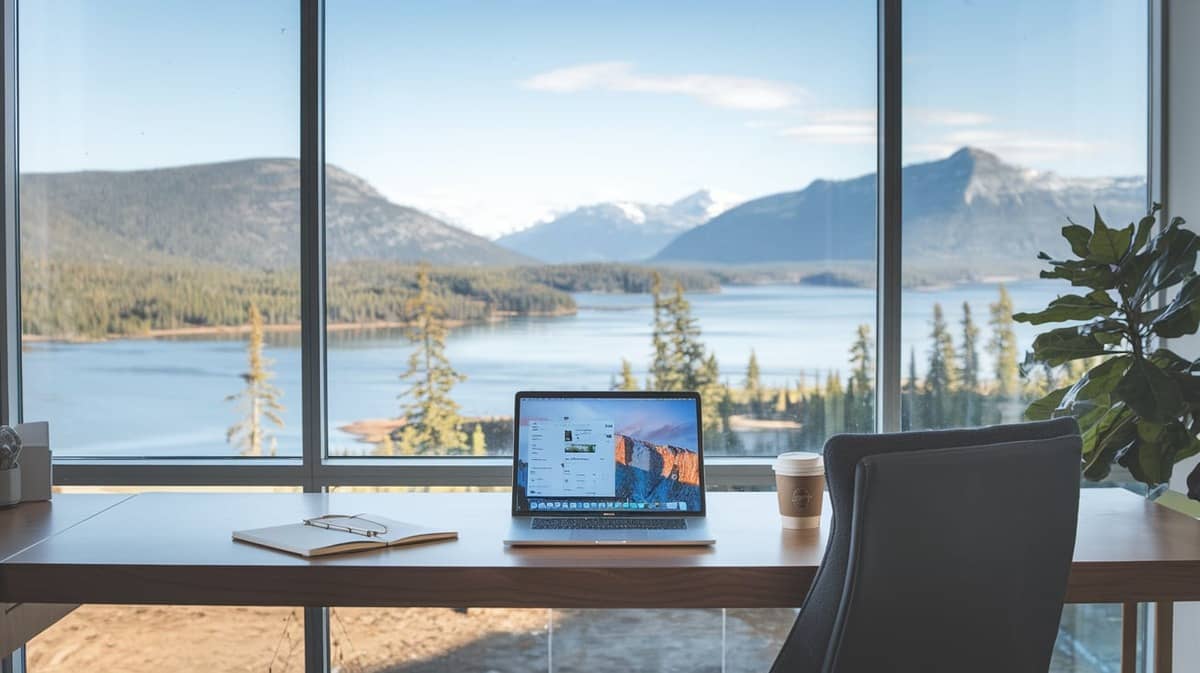
Remote work has become the norm for many professionals, making a well-designed home office essential for productivity. Whether you’re just starting your remote journey or looking to upgrade your setup, this guide will walk you through creating a workspace that fosters efficiency and comfort.
How to Set Up a Home Office for Remote Work
1. Choose the Right Location
The first step to setting up a home office is finding the right spot. Consider these factors:
- Privacy: Select a quiet corner or room away from distractions.
- Lighting: Natural light is ideal for reducing eye strain and boosting mood.
- Space: Ensure the area has enough room for your desk, chair, and essentials.
If you lack a separate room, use dividers or curtains to create a defined workspace.
Also:
2. Invest in Essential Furniture
Comfortable and functional furniture is key. Focus on:
- Ergonomic Chair: Supports your posture and prevents back pain.
- Sturdy Desk: Choose a desk that fits your needs—spacious enough for your computer, notebooks, and supplies.
Pro Tip: Adjustable standing desks can help you alternate between sitting and standing to improve your health.
3. Optimize Your Technology Setup
Having the right tech tools ensures a seamless workflow.
- Reliable Internet: Invest in a high-speed internet connection.
- Laptop/PC: Choose a device with the performance you need.
- Peripherals: Include an external monitor, keyboard, and mouse for comfort.
- Cable Management: Use clips or sleeves to organize wires and keep your desk tidy.
4. Focus on Lighting
Proper lighting is critical for your health and productivity.
- Use desk lamps with adjustable brightness to reduce glare.
- Opt for LED bulbs with natural white light for a balanced ambiance.
- Position lights to minimize shadows on your screen and workspace.
5. Add Personal Touches
Make your office inviting by incorporating:
- Plants: Boost air quality and create a calming atmosphere.
- Wall Decor: Use inspirational quotes, art, or photos for motivation.
- Colors: Choose soothing tones like blue or green to improve focus.
6. Keep it Organized
A clutter-free workspace promotes efficiency.
- Storage Solutions: Use shelves, drawers, or cabinets to keep things tidy.
- Daily Cleanup: Take 5 minutes at the end of your day to reset your desk.
- Labeling: Label files, cords, and storage boxes for easy access.
7. Prioritize Comfort and Health
Your physical well-being is essential for long-term productivity.
- Desk Height: Ensure your desk height aligns with your elbows when typing.
- Screen Position: Keep your monitor at eye level.
- Breaks: Follow the 20-20-20 rule—every 20 minutes, look at something 20 feet away for 20 seconds.
8. Incorporate Work-Life Balance
Remote work blurs the line between professional and personal life.
- Set Boundaries: Use your home office only for work.
- Dedicated Schedule: Stick to specific work hours.
- Break Area: Create a separate space for relaxation during breaks.
9. Test and Adjust Your Setup
Once your office is ready, test it for a few days. Make adjustments as needed to improve comfort and functionality.
10. Budget-Friendly Tips
Setting up a home office doesn’t have to break the bank.
- Repurpose Furniture: Use items you already own.
- DIY Decor: Make simple decorations to personalize your space.
- Secondhand Finds: Check for pre-loved furniture or tech equipment online.
Conclusion
A well-designed home office can significantly impact your productivity, comfort, and job satisfaction. By following these steps, you can create a workspace that not only looks great but also supports your remote work success.